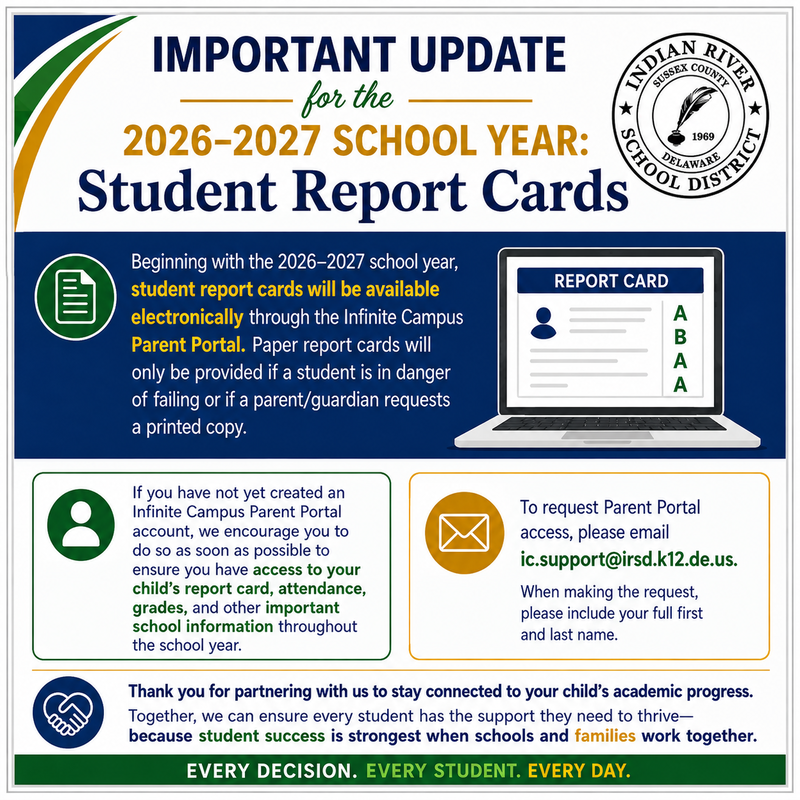
IRSD families please be advised that beginning in November 2026, ALL progress reports and report cards will only be available electronically through the parent portal. Parents who have not yet created an account will need to do so.
To create a parent portal account, parents can either contact their child's school or email ic.support@irsd.k12.de.us. When emailing the support account, please provide your full name and your student(s) full name(s).
If parents have trouble accessing their parent portal account and the forgot user name and password links from the site do not resolve the issue, they will need to email ic.support@irsd.k12.de.us. When emailing the support account, please provide your full name and your student(s) full name(s).
To view report cards or progress reports once in the system, click on the three lines in the top lefthand corner and select Documents in the menu. Under the Report Card heading, you will see Progress Reports and Report Cards for the year as they are released.